


Video Player - UX Features
Speed through ads
Mutes video ads and plays them at high speed, then restores your volume and playback speed when the video resumes. Also closes overlay ads.
Disable autoplay
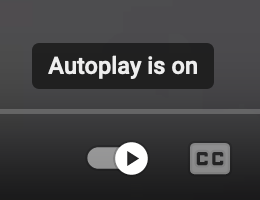
Automatically disable autoplay at all times. Sometimes YouTube forgets that you've disabled autoplay, this option ensures that it stays disabled.
Disable ambient mode
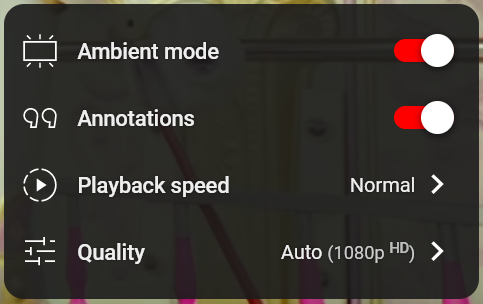
Turns off the background glow effect that matches the video's colors.
Disable annotations

Hides clickable text and links that creators add over their videos.
Auto-expand the description
Automatically expands the video description when you open a video.
Disable scroll in fullscreen
Prevents scrolling while in fullscreen mode.
Redirect shorts to the default viewer

YouTube short videos play in a special viewer that automatically plays the next short video in a continuously scrolling fashion. This option redirects the special viewer to the regular one.
Enable theater mode
Automatically enables theater mode when you open a video.